

AscentDating MVP
Custom WordPress MVP for member profiles, messaging, verification, Gold memberships, rewards, and payout review.
- TimelineJul-Sep 2026
MVP delivery window
- PlatformWordPress
Custom plugin and custom theme
- IntegrationsStripe + CCBill
Verification and payment support
- DeliveryDevelopment Team
MVP build, member flows, admin tools
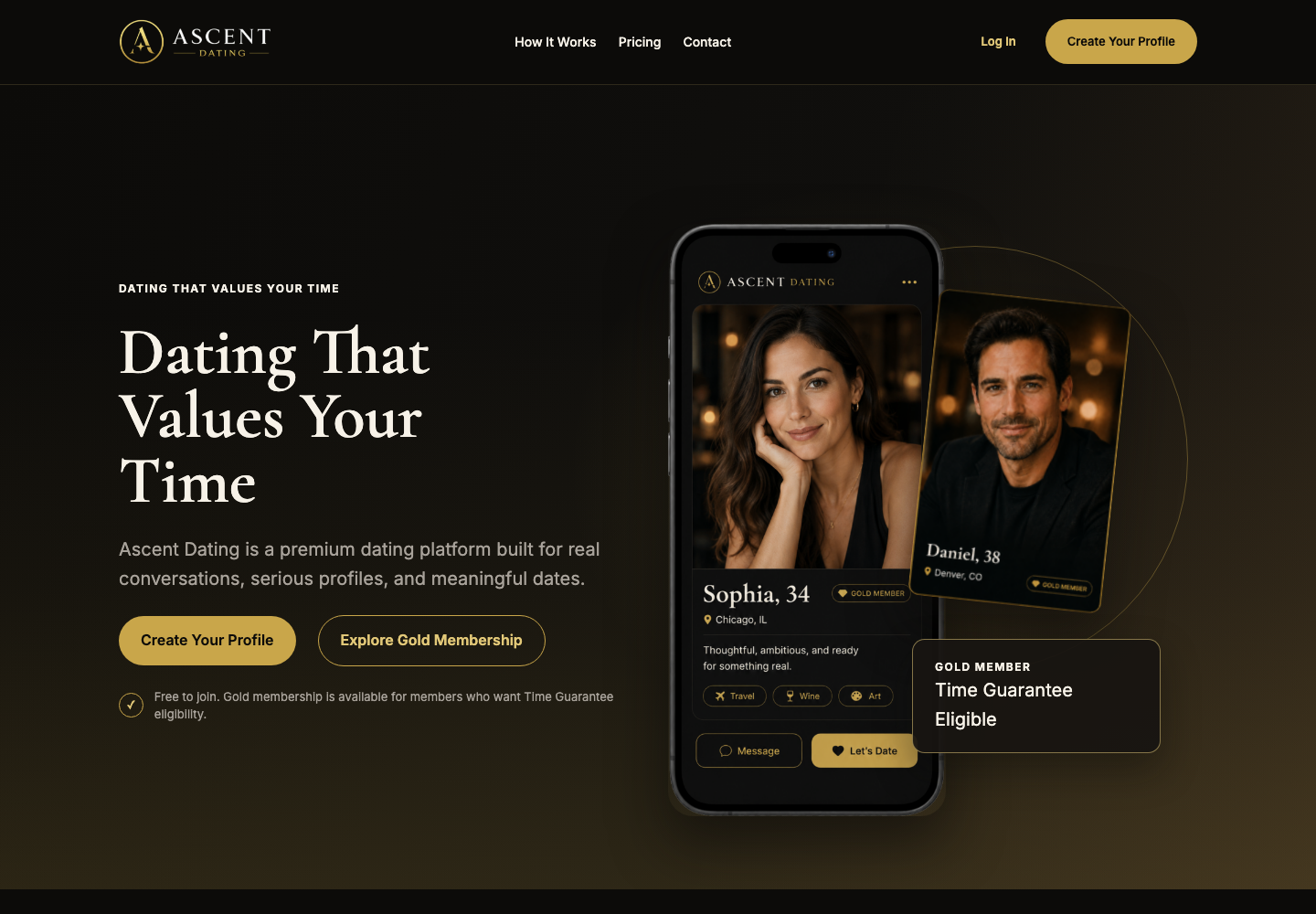
A dating MVP with the key member flows in place
AscentDating needed a WordPress product where members could create profiles, browse, message, verify identity, and move through rewards and payout review without confusing admin workarounds.
How it was built
A custom WordPress plugin handled the main product rules, while a custom theme shaped the member-facing screens.
What mattered most
Safer profile access, clearer Gold membership rules, identity verification, and easier rewards and payout review.
The app had to keep member rules clear and consistent
Dating products need careful rules around profile visibility, paid access, verification, and payouts. Those rules had to work reliably without making the app hard to manage.
- Browse and profile pages had to show only members who were ready and allowed to appear.
- Direct profile links needed a safe fallback when a member was hidden or unavailable.
- Gold membership rules had to match the right subscription products.
- Rewards and payouts needed clear screens for review and follow-up.
Custom WordPress build with clear member and admin flows
The Development Team built the MVP around the actual product rules instead of forcing the app into generic plugin behavior.
Member and payment rules
- Profiles only count as photo-complete when a real uploaded image is available.
- Hidden or unavailable profile links send users back to Browse with a clear notice.
- Gold access is tied to the correct subscription products.
- Gold users no longer see upgrade CTA prompts.
Built for growth
- The main app features were built in a custom plugin and custom theme.
- The build avoids loading the site with extra third-party plugins for core product behavior.
- Custom database tables keep member data organized without stuffing everything into default WordPress meta fields.
- This makes the product easier to maintain and easier to expand later.
From profile setup to payout review
The MVP connects the main member actions with the admin review steps needed to manage rewards and payouts.
Step 01
Profile
Members create profiles with photo and visibility checks.
Step 02
Interact
Browse, messaging, and date requests follow member availability rules.
Step 03
Survey
Post-date surveys can be sent after the date or immediately when needed.
Step 04
Reward
Rewards depend on eligibility and verification checks.
Step 05
Payout
Admins review payout requests in a separate payout screen.
A clearer MVP for members and admins
Building a WordPress MVP with custom member and admin flows?
We build custom WordPress products that match your users, your business rules, and the way your team needs to work.