

OptiSolar AI
We’re building a Laravel web platform and mobile app to help solar teams set up installations, manage connected equipment, and follow plant performance, alongside the project’s WordPress website.
- IndustrySolar energy
Plant and battery operations
- Web appLaravel
Plant and asset management
- Also builtMobile app
Plant monitoring on the go
- Project period2025-2027
Development in progress
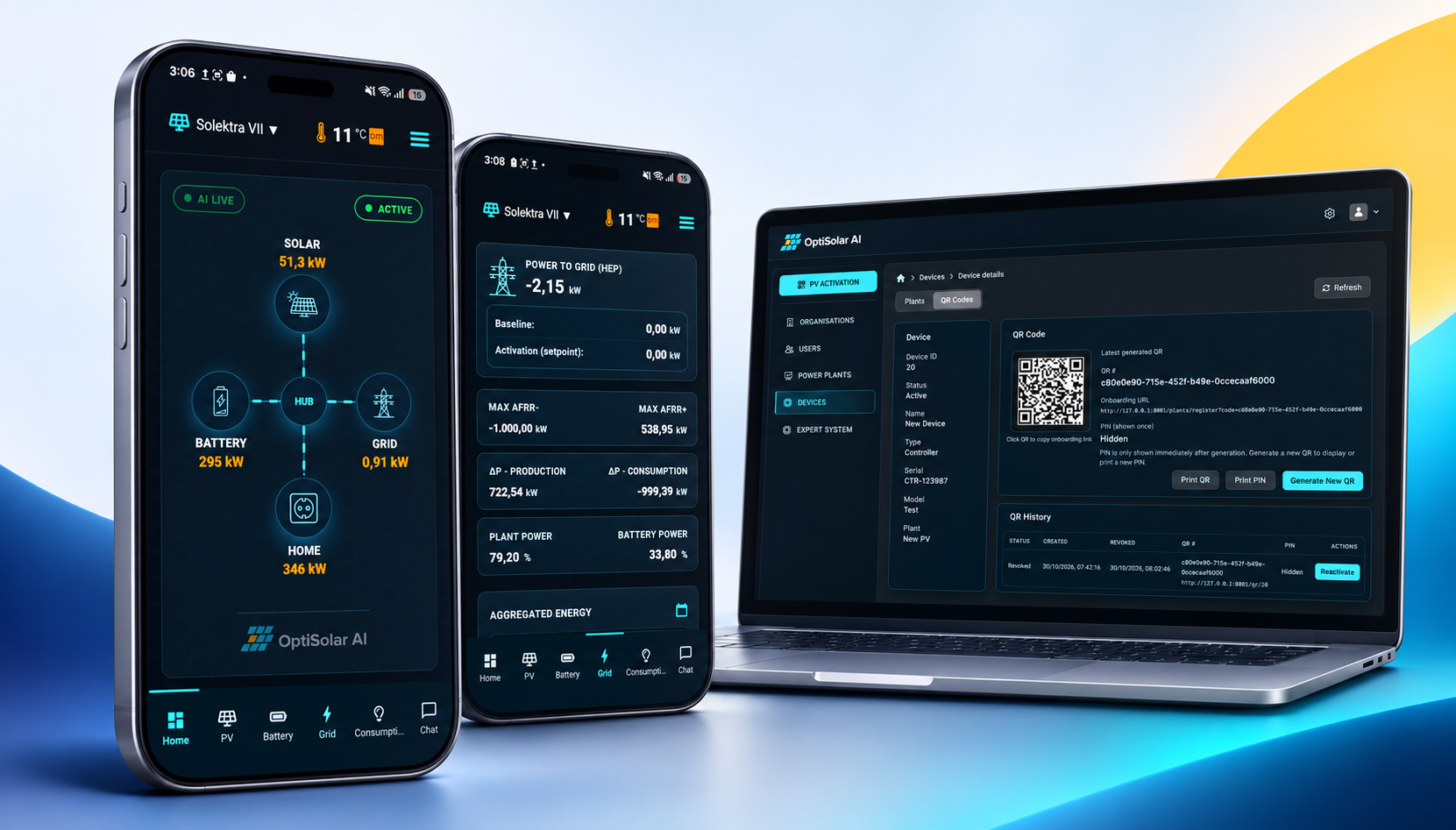
Web app, mobile app and project website
OptiSolar AI brings plant administration and energy monitoring into a Laravel web platform and mobile app. A separate WordPress website introduces the project and is planned to expand as it develops.
Web app
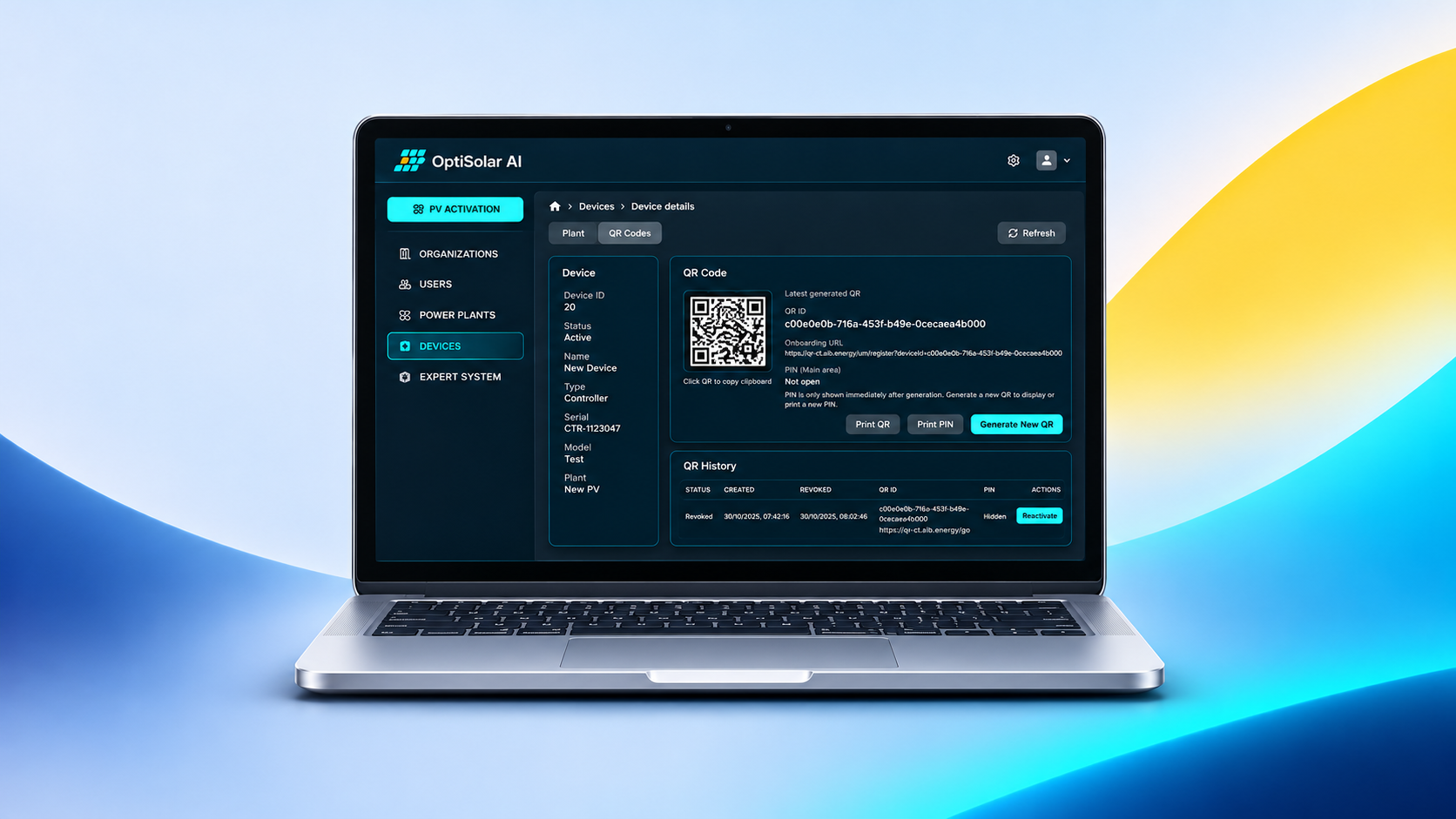
Administrators manage organisations, users, plants and connected devices, then review installation details and energy information.
Mobile app
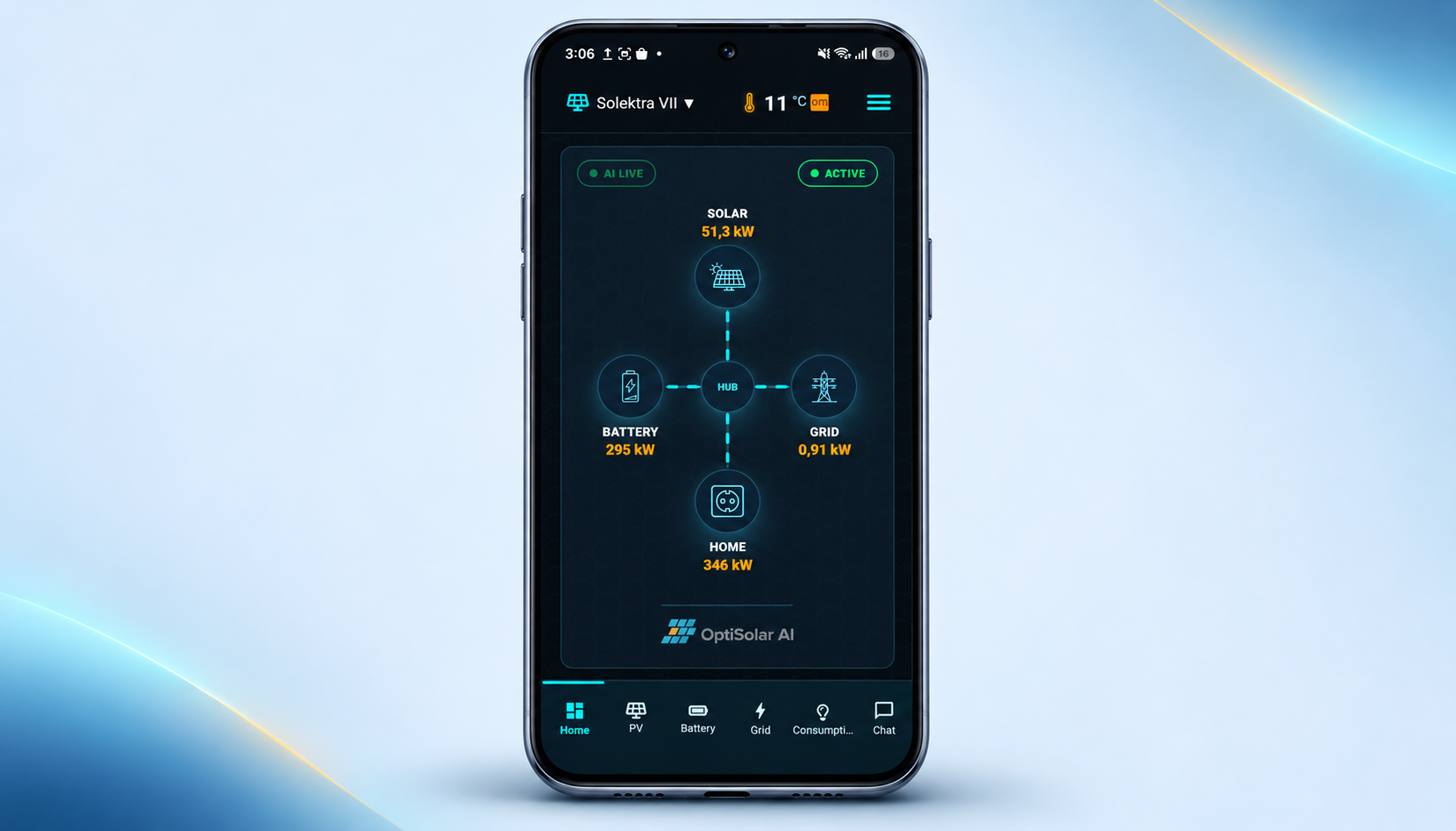
Plant owners and teams can check production, consumption, battery status and grid activity, whether they’re on site or away.
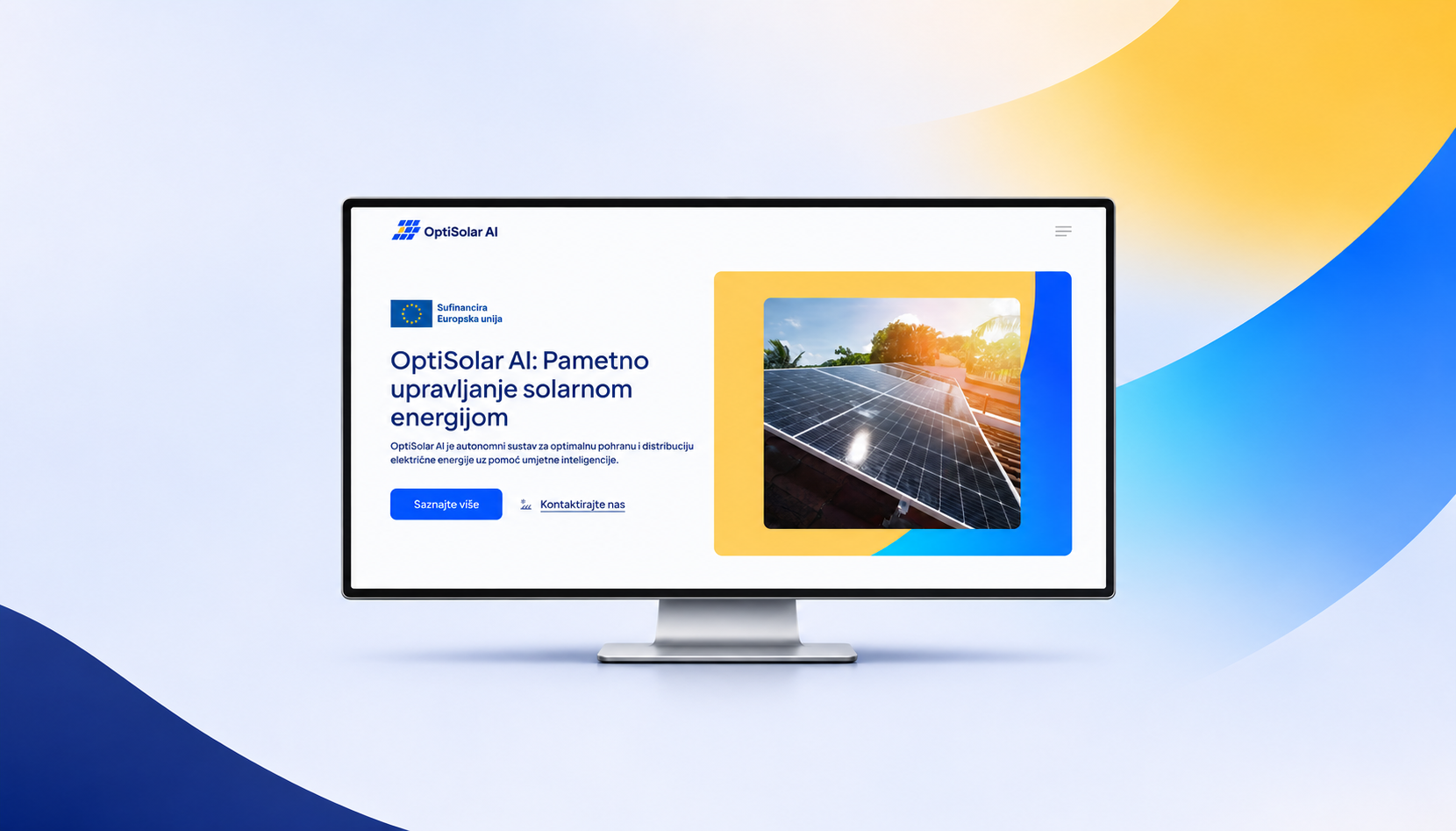
WordPress project website
The current site introduces OptiSolar AI. It’s planned to grow as the project develops.
Visit optisolar.aiSolar operations involve more than production figures
Teams need to connect physical equipment to the right plant, organise installations across organisations, and understand how production, batteries, consumption and the grid work together.
- Connect controllers and other devices to the correct installation.
- Organise plants, devices and users across multiple organisations.
- Guide teams through installation setup without asking for information already linked to a device.
- Make detailed energy data easier to review across web and mobile screens.
Manage installations and review plant data
The Laravel application supports both portfolio administration and the detailed work around each solar plant.
Portfolio administration
- Manage organisations, users, plants and connected devices.
- Use search, filters and statuses to find the right record.
- Move between organisations, installations and linked equipment.
Installation setup and monitoring
- Activate a device by scanning its QR code and following the setup steps.
- Review plant configuration, location, connected hardware and energy information.
- Compare measurements with forecasts when the connected service provides them.
Check plant activity while on site or away
The mobile app brings live plant signals and historical energy trends into a focused view for owners and operations teams.
The app receives plant data from authorised APIs and live updates. Where available, forecast values appear alongside measured data. Date-based screens follow the selected plant’s local time.
A look at OptiSolar AI
Building a web and mobile platform for your industry?
We build custom applications around the systems, data and daily work your team depends on.